How to Fix Client Ranking Drops
Published November 19, 2024
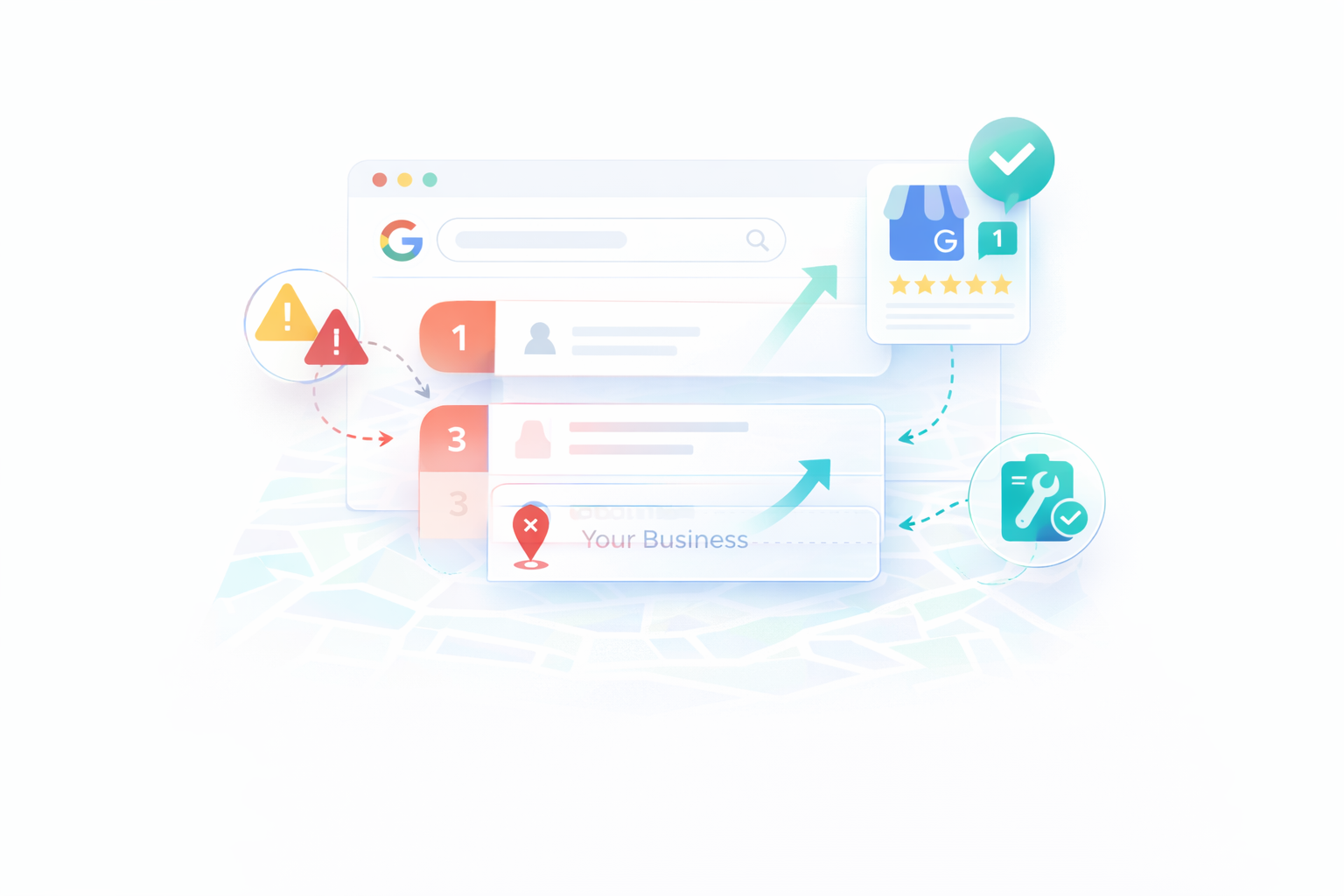
Google Business Profile ranking drops can hurt client revenue overnight. One week a client appears in the Google Map Pack and the next week competitors push them out of the top 3 results.
In this guide you will learn why client rankings drop, how to diagnose the issue, and steps to recover. Add to Client Visibility Audits and retention reports.
In this guide we will cover
- Why Google Business Profile rankings drop
- The most common causes of local ranking loss
- How to diagnose the problem quickly
- Fixing category, review, and listing issues
- Competitor signals that impact rankings
- How to prevent future ranking drops
- A quick recovery checklist
1. Why Google Business Profile Rankings Drop Suddenly
Google Business Profile rankings change frequently because Google's local search algorithm constantly reevaluates businesses. A listing that appears in the top three results today may fall out of the Map Pack tomorrow if Google determines that other businesses are more relevant.
Many business owners assume something is broken when their rankings drop, but most of the time the change is caused by normal shifts in Google's local ranking signals.
Google publicly states that local rankings are primarily determined by three core factors: relevance, distance, and prominence.
Relevance
Relevance measures how closely your Google Business Profile matches what someone searches for. Google evaluates your primary category, secondary categories, services, business description, and website content to determine what your business offers.
If your listing does not clearly match a search, Google may show a competitor whose profile better matches the intent of the search.
For example, a plumbing company using the category "contractor" instead of "plumber" may struggle to rank for plumber related searches because the category does not clearly describe the service.
Distance
Distance refers to how close your business is to the potential customer performing the search. Google uses the searcher's location or the location included in the query to determine which businesses are nearby.
This means rankings can vary significantly depending on where the search occurs. A business might appear in the top three results for customers on one side of a city but not appear at all for users several miles away!
Distance is one reason Google Business Profile rankings sometimes appear inconsistent when business owners check rankings themselves.
Prominence
Prominence reflects how well known and trusted a business appears online. Google analyzes signals across the web to determine whether a business is reputable and popular.
Prominence signals include factors such as review count, review ratings, mentions of your business across the web, links to your website, and overall online authority.
Businesses with stronger prominence signals often outrank competitors even if they are located slightly farther away.
Common Reasons Rankings Suddenly Drop
When a Google Business Profile ranking drops suddenly, it is usually caused by one of several common issues.
- Category mismatches If your primary category does not match what customers search for, Google may stop showing your listing for those searches.
- Review growth slowing down Businesses that stop receiving new reviews often lose ranking momentum compared to competitors with active review growth.
- Profile inactivity Listings that are rarely updated may gradually lose visibility as more active businesses gain prominence.
- Competitor improvements When nearby competitors gain reviews, optimize categories, or improve their profiles, they can move ahead in the Map Pack.
- Listing edits Changes to your business name, categories, address, or service area can temporarily affect how Google evaluates your listing.
- Local SEO signals changing Updates to citations, website SEO, or backlinks can influence how Google measures prominence.
In most cases, a Google Business Profile ranking drop is not caused by a single issue but by a combination of these signals changing over time.
The key to recovering your rankings is identifying which signals weakened and strengthening them before competitors widen the gap.
2. The Biggest Causes of Google Business Profile Ranking Loss
When a Google Business Profile suddenly loses visibility, there is almost always a specific reason behind it. Local rankings rarely drop randomly. In most cases, one or more ranking signals changed either on your listing or on your competitors'.
Below are the most common causes of Google Business Profile ranking drops and what they usually indicate.
Primary Category Problems
Your primary category is one of the strongest ranking signals in Google's local algorithm. It tells Google exactly what your business does and which searches your listing should appear for.
If the category is too broad or does not clearly match the service people search for, Google may start showing competitors with more relevant categories.
For example, a plumbing company that uses the category "Contractor" instead of "Plumber" will often struggle to appear for searches like "plumber near me" or "emergency plumber".
Even small category changes can dramatically shift rankings because they change how Google interprets your business.
Review Growth Slowing Down
Reviews play a major role in local rankings. Google uses reviews to evaluate both the popularity and the trustworthiness of a business.
Businesses that consistently receive new reviews often gain ranking momentum, while listings with older review profiles slowly lose prominence.
- Your last review was several months ago
- Competitors receive reviews regularly
- Your rating recently dropped compared to nearby businesses
Even a small increase in review activity can shift the local Map Pack because review signals are heavily weighted in competitive markets.
Listing Data Inconsistencies
Google cross checks business information across the web to confirm that a business is legitimate. When your name, address, or phone number appears differently across directories, it creates uncertainty in Google's data.
These signals are often referred to as citations in local SEO. Inconsistent citations can weaken the trust signals that support your Google Business Profile.
- Different phone numbers listed on directories
- Old business addresses still appearing online
- Duplicate listings on local directories
Fixing citation inconsistencies often helps stabilize rankings when profiles fluctuate.
Competitors Improving Their Profiles
In many cases nothing is actually wrong with your listing. Rankings drop because competitors improved their profiles faster.
Businesses that actively manage their Google Business Profile often gain an advantage by adding photos, responding to reviews, expanding their service lists, or optimizing their categories.
Local rankings are relative. If nearby competitors strengthen their signals while your listing stays the same, they can move ahead in the Map Pack.
Changes to Your Google Business Profile
Editing your Google Business Profile can temporarily affect rankings because Google reevaluates the listing after certain changes.
Common edits that sometimes trigger ranking fluctuations include category changes, business name updates, address adjustments, or service area modifications.
These ranking shifts are usually temporary, but they can take several days or weeks to stabilize.
Weak Website and Local SEO Signals
Your website also plays a role in local rankings. Google evaluates the authority and relevance of the website linked to your Google Business Profile.
If competitor websites have stronger local SEO signals, better content, or more backlinks, they may gain an advantage in local search.
Strengthening the connection between your website and your Google Business Profile can often improve overall visibility.
3. How to Diagnose a Google Business Profile Ranking Drop
When rankings drop, the first instinct is usually to start changing things immediately. That often makes the situation worse. The better approach is to diagnose the problem first.
Most Google Business Profile ranking drops can be traced back to a small number of signals. By checking these signals one by one, you can usually identify exactly what changed.
Step 1: Check Your Core Search Terms
Start by searching the main keywords your customers use when looking for your service. These searches will show whether your business has truly dropped in rankings or if the change is limited to certain locations or keywords.
Examples of common local search queries include:
- plumber near me
- emergency plumber in your city
- best plumber in your city
- water heater repair near me
Check whether your business still appears in the Google Map Pack and note which competitors replaced you if your listing disappeared.
Keep in mind that local rankings vary by location, so it is helpful to check results from multiple parts of your service area.
Step 2: Compare Competitor Profiles
Next, look at the businesses currently ranking in the top three results. These listings often reveal why the ranking shift occurred.
Compare their profiles with your own and look for differences in:
- Total review count
- Recent review activity
- Average rating
- Number of photos
- Primary business category
If competitors recently gained dozens of reviews or significantly expanded their profiles, that alone can explain why they moved ahead.
Step 3: Check Category Usage
Categories play a major role in local search rankings. Businesses ranking above you may be using more relevant primary categories that better match search intent.
Review the primary categories used by the top results and compare them with your own listing. If several competitors are using a category that you are not, that is often a strong signal worth investigating.
Small category differences can dramatically change how Google understands your business.
Step 4: Look for Recent Profile Changes
Think about whether anything changed on your Google Business Profile recently. Even minor edits can sometimes trigger ranking fluctuations while Google reevaluates the listing.
Common changes that affect rankings include updating categories, modifying the business name, adjusting the address, or changing service areas.
Step 5: Review Your Recent Review Activity
Review velocity often explains local ranking shifts. If your listing has not received new reviews recently while competitors continue gaining them, the difference can push your business down in the Map Pack.
Look at the review timelines for top competitors and compare how frequently they receive new reviews compared with your listing.
Step 6: Check Your Business Information Across the Web
Finally, review how your business information appears across directories and local listings. Inconsistent name, address, or phone number details can weaken trust signals that support your Google Business Profile.
Correcting inconsistent listings often helps stabilize rankings when fluctuations occur.
Once you identify which signals changed, the next step is strengthening the areas that influence local rankings the most.
4. How to Recover From a Google Business Profile Ranking Drop
Once you identify the likely cause of a ranking decline, the next step is strengthening the signals that influence local search visibility. In most cases, rankings recover when the core elements of your Google Business Profile are improved and maintained consistently.
The strategies below address the most common issues that cause businesses to lose visibility in Google Maps.
Optimize Your Primary and Secondary Categories
Categories tell Google exactly what your business does. If your primary category does not clearly match the service people search for, your listing may struggle to appear for those queries.
Start by choosing a primary category that reflects your most important service. This should be the category most closely aligned with the searches that generate customers.
After selecting a strong primary category, add secondary categories that support related services your business offers. These help Google understand the full scope of your services and can improve visibility for additional searches.
Increase Review Activity
Reviews remain one of the strongest signals in Google's local ranking system. Businesses that consistently receive new reviews tend to maintain stronger visibility in the Map Pack.
If your review growth has slowed, increasing review activity is often one of the fastest ways to regain momentum.
- Ask satisfied customers for reviews after completing a service
- Send direct review links through text or email
- Respond to every review to show active engagement
A steady stream of authentic reviews signals to Google that your business is active, trusted, and relevant to local customers.
Keep Your Profile Active
Google tends to favor listings that appear active and well maintained. Businesses that regularly update their profiles often perform better than listings that remain unchanged for long periods of time.
Maintaining an active profile also improves the overall quality of your listing for potential customers.
- Add new photos of your work, team, or location
- Publish occasional Google Posts with updates or promotions
- Review and update your services list
- Respond to customer reviews and questions
These updates help reinforce that your business is legitimate and actively serving customers.
Strengthen Your Local SEO Signals
Your Google Business Profile does not operate in isolation. Google also looks at signals across the web when evaluating local businesses.
Improving your broader local SEO presence can help reinforce the authority of your listing.
- Ensure your name, address, and phone number are consistent across directories
- Improve the local SEO content on your website
- Earn mentions or links from relevant local websites
When these signals align with your Google Business Profile, they strengthen the overall trust signals Google uses to rank local businesses.
5. Quick Recovery Checklist
If your Google Business Profile rankings dropped recently, work through the checklist below before making major changes. Most ranking issues can be traced back to a small number of signals, and reviewing them systematically helps identify the real cause of the drop.
This checklist summarizes the most important areas to review when troubleshooting Google Maps visibility.
- Confirm your primary category is correct. Make sure your main category matches the service customers actually search for. If it is too broad or incorrect, Google may rank competitors with more relevant categories.
- Compare review activity with nearby competitors. Look at how frequently the top businesses in your area receive new reviews. If competitors are gaining reviews regularly while your profile has slowed down, this can explain ranking changes.
- Check that your business information is consistent online. Your name, address, and phone number should match across directories and local listings. Inconsistent data can weaken trust signals that support your profile.
- Review the categories used by top ranking competitors. If multiple competitors are using categories that your listing does not include, it may indicate a better category match for the search terms you are targeting.
- Add new photos and profile updates. Regular activity signals that a business is active and legitimate. Uploading photos, updating services, and responding to reviews can help strengthen engagement signals.
- Monitor your rankings across key local searches. Track how your business appears for important keywords such as "service near me" or "service in city". Monitoring rankings regularly helps you identify changes early before they affect lead flow.
Google Business Profile rankings rarely change for a single reason. In most cases the drop occurs because several small signals shifted at the same time. Identifying and strengthening those signals usually restores visibility over time.